




Apple’s New iOS 17 Update: What’s New for iPhone Users
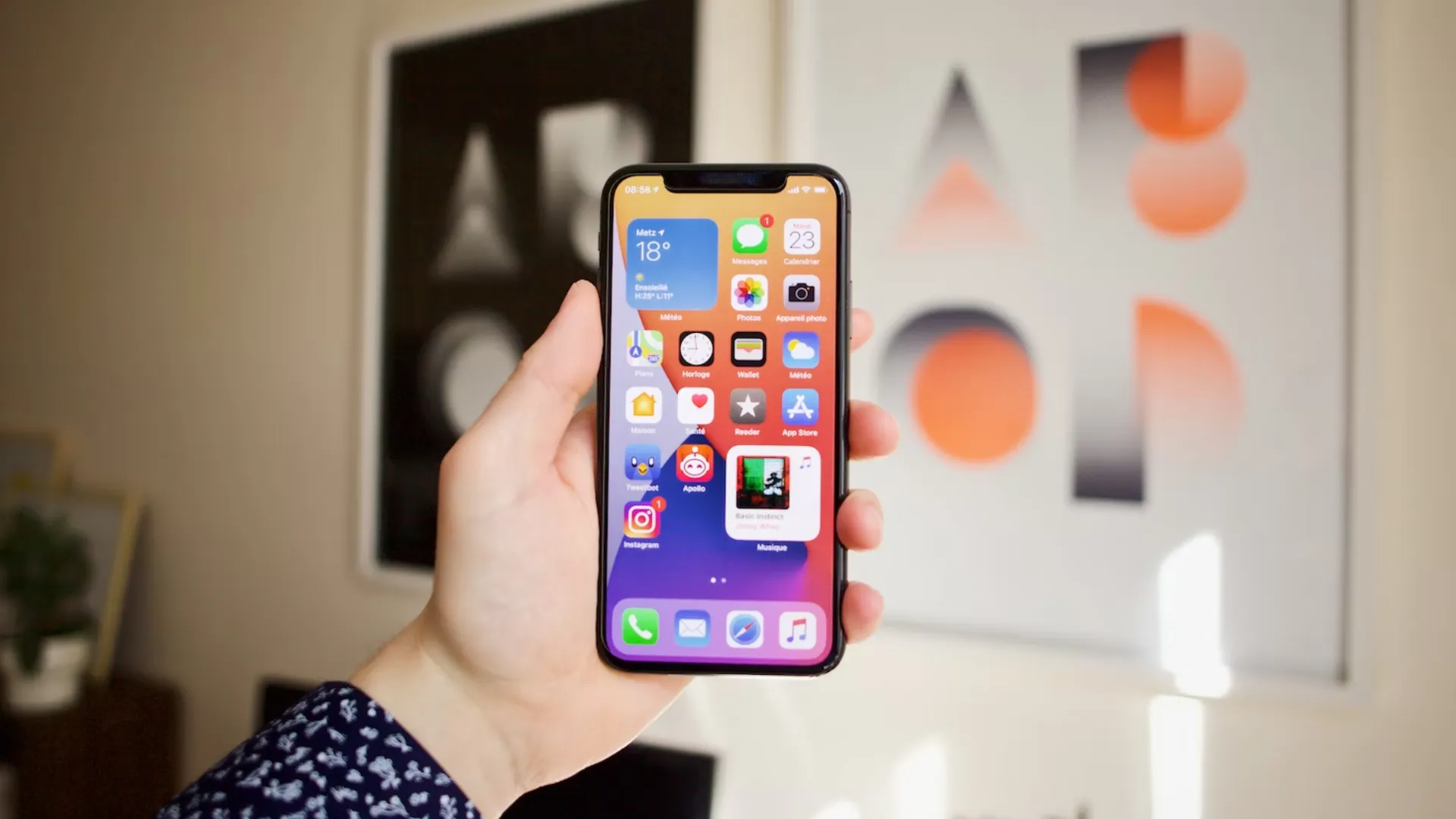
Apple’s latest iOS 17 update introduces a wide range of new features designed to make the iPhone experience more personal, intuitive, and efficient. Officially unveiled alongside the iPhone 15, the update focuses on improving communication, customization, and everyday usability. With smarter tools and deeper integration across Apple’s ecosystem, iOS 17 aims to make staying connected easier and more enjoyable for users around the world.
Enhanced Communication Features
One of the key highlights of iOS 17 is the major upgrade to communication apps such as Phone, Messages, and FaceTime. Apple has added Contact Posters, allowing users to personalize how their contact information appears on someone else’s screen with custom photos, fonts, and colors. FaceTime now supports video and audio messages, so you can leave a quick greeting or update when someone misses your call—making conversations more flexible and expressive.
Improved Messaging Experience
The Messages app has been redesigned to make conversations smoother and more organized. The new search filters allow users to find messages faster, and a redesigned stickers section includes Live Stickers made directly from your photos. Apple has also improved the autocorrect and dictation features with a more accurate language model, making typing faster and smarter than ever before.
StandBy Mode for a New Look
A completely new feature in iOS 17 is StandBy Mode, which transforms your iPhone into a smart display when placed horizontally while charging. This mode shows useful information like the time, calendar, weather, and notifications in large, easy-to-read fonts. For users with MagSafe chargers, StandBy can automatically activate and display widgets, creating a more personalized bedside or desk experience.
AirDrop and NameDrop Enhancements
Apple has improved AirDrop with faster transfer speeds and a new feature called NameDrop. With NameDrop, users can easily share contact information by simply bringing two iPhones close together. This intuitive gesture-based interaction is part of Apple’s effort to make sharing information simpler and more secure. AirDrop transfers can also continue over the internet if devices move out of range, improving reliability.
Smarter Keyboard and Autocorrect
Typing on iPhone gets a big boost with the enhanced keyboard in iOS 17. Apple has upgraded autocorrect to be more contextually aware, allowing for more natural suggestions and fewer errors. The keyboard now learns your typing style better and underlines corrected words, so you can quickly revert to your original text if needed. Dictation has also been improved for faster and more accurate speech recognition.
Focus on Health and Safety
With iOS 17, Apple continues its commitment to health and well-being. The new Journal app encourages users to reflect on daily experiences, helping to improve mindfulness and emotional health. The update also enhances Safety Check and Check-In, which allow users to share their location or alert loved ones when they arrive safely at a destination—offering peace of mind in everyday life.
A More Connected and Personalized Experience
Overall, iOS 17 brings together personalization, communication, and intelligent features that make the iPhone feel even more in tune with its user. From small design tweaks to powerful AI-driven enhancements, Apple has focused on creating a more connected and meaningful smartphone experience. As iOS 17 rolls out to millions of devices, iPhone users can expect a smoother, smarter, and more personalized digital life.